A little dot-matrix clock that lives at the top of your Windows screen, with a ghost for company.
That is the real one up there. Click the clock, poke the ghost, or grab him and fling him.
Coming to the Microsoft Store for Windows 10 and 11. Free, with no account and no adverts.
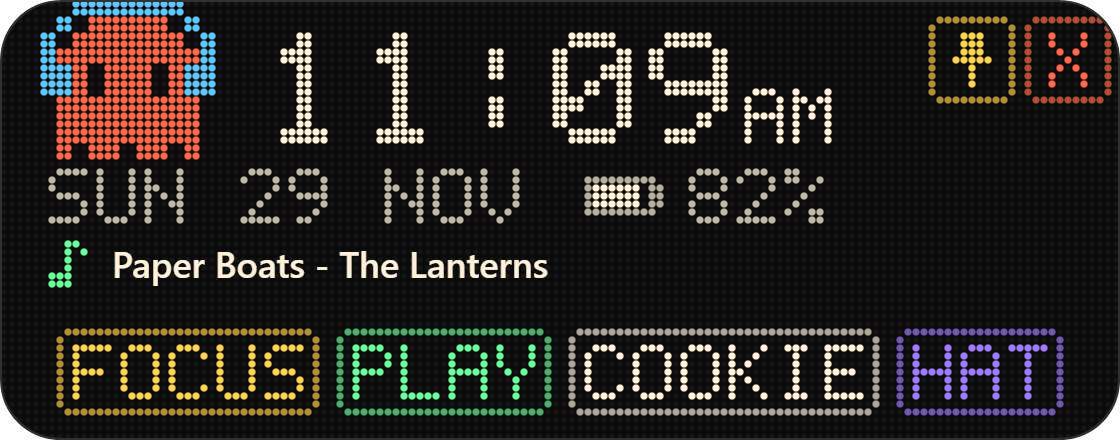
The time, date and battery, whatever is playing, and Pip's mood. Pin it if you want it to stay open.
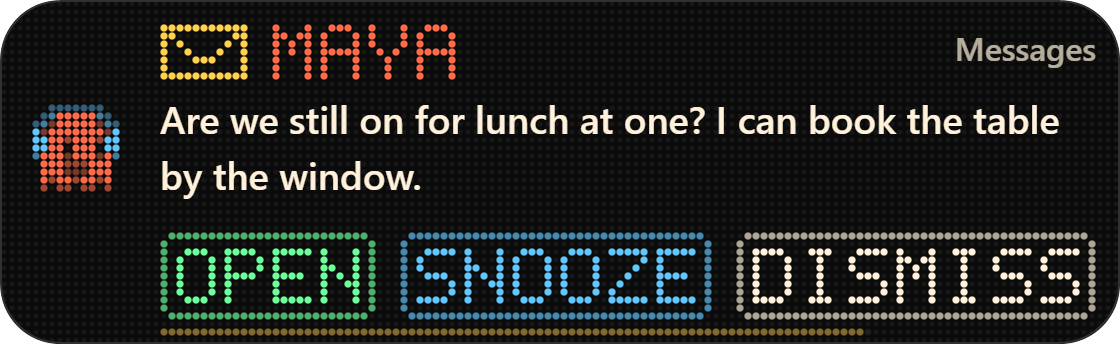
If you allow it, new notifications arrive where you can read them, then open, snooze or dismiss them. Open starts the app that sent it. There is no reply box.

Scroll on the island to set a timer, then press start. Messages wait until it ends.
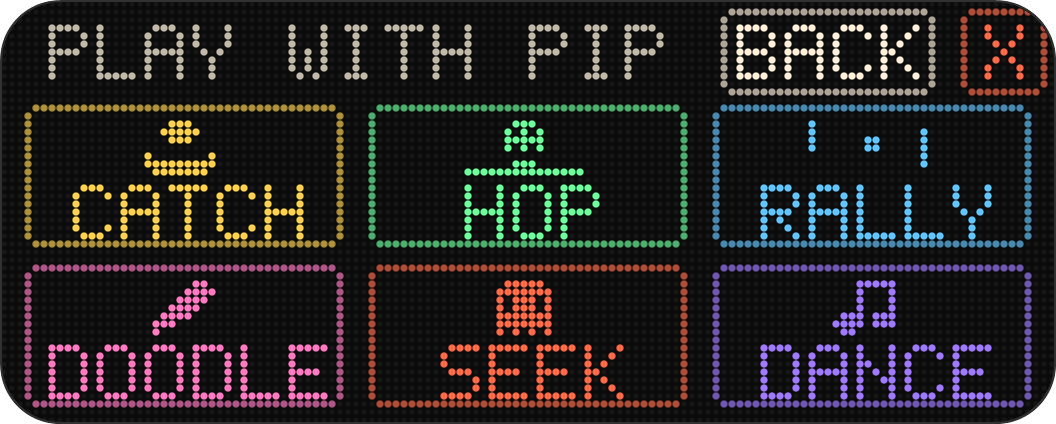
Catch snacks, hop over blocks, rally against Pip, doodle in dots, find where he is hiding, or just dance.
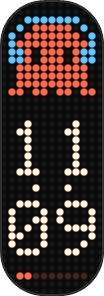
Over a maximised window Pip tucks into a thin tab. He hides for full screen, and stands upright when you drag him to a side. He is doing it here too: rest your cursor on the tab to bring him back.
- Rub the ghost back and forth
- He likes that.
- Poke him over and over
- He does not like that.
- Drag the ghost and let go
- He flies, bounces and floats home.
- Pull the clock straight down
- Slingshot.
- Shake the clock
- Pip tells your fortune.
- Press Ctrl + Alt + P in the app
- Use him with the keyboard and a screen reader.
The app has no accounts, adverts, analytics or telemetry, and makes no network requests of its own.
Notifications are read only with your permission. They are held in memory while they wait to be read, and are never saved or sent anywhere. Your settings and points stay on your computer.